[6 / 1 / 1]
Quoted By: >>1505055
I have a 65in 4K TV
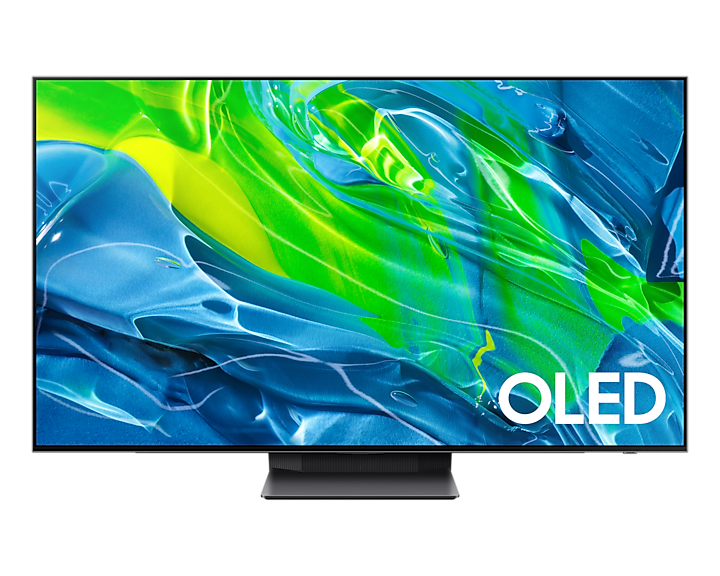
Samsung, QN65S95BAFXZA
I have it hooked to a 4080. No matter what I do, I cannot get neither windows display settings nor Nvidia control panel to let me select 4k resolution at 120hz.
In windows, if I select 4k it drops the hz down to 30. If I manually select 120hz, it forces the resolution to 1920x1080.
In Nvidia, the highest hz I can choose at 4k is 30hz.
I've turned on game mode on the TV, no fix. I've turned that off and turned on enhanced input for my pc's hdmi, no fix. It's like no matter what I try to do, if I want 4k I'm stuck at 30hz, and if I want 120hz I'm stuck at 1080.
Please help!!
Samsung, QN65S95BAFXZA
I have it hooked to a 4080. No matter what I do, I cannot get neither windows display settings nor Nvidia control panel to let me select 4k resolution at 120hz.
In windows, if I select 4k it drops the hz down to 30. If I manually select 120hz, it forces the resolution to 1920x1080.
In Nvidia, the highest hz I can choose at 4k is 30hz.
I've turned on game mode on the TV, no fix. I've turned that off and turned on enhanced input for my pc's hdmi, no fix. It's like no matter what I try to do, if I want 4k I'm stuck at 30hz, and if I want 120hz I'm stuck at 1080.
Please help!!
