>>4340735the brilliance of nikon's "i-TTL" balanced fill flash is that you DON'T have to worry about how it works. quote dodd howard, "it just works"
that chinese flash might have an "i-TTL compatible" circuit but it likely doesn't go as good of a job as real a nikon flash would
in that case put the flash in plain old TTL mode where the flash provides key (main) lighting instead of fill, THEN you enter -1.0 stop flash compensation. that's the magic fill flash number (some people like -1.3 stop)
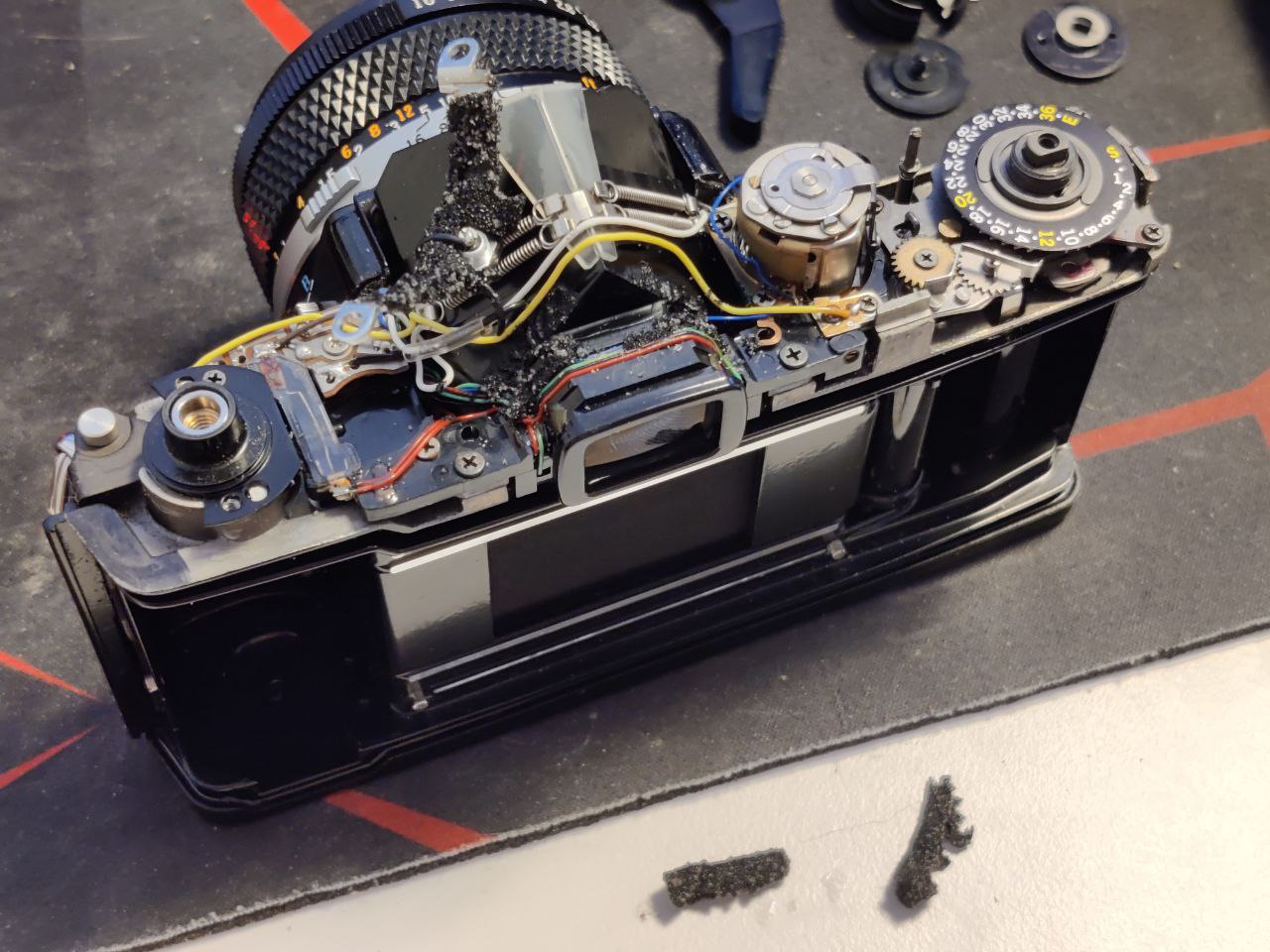
>>4341467the electronics in early leica slr cams are comicly unreliable