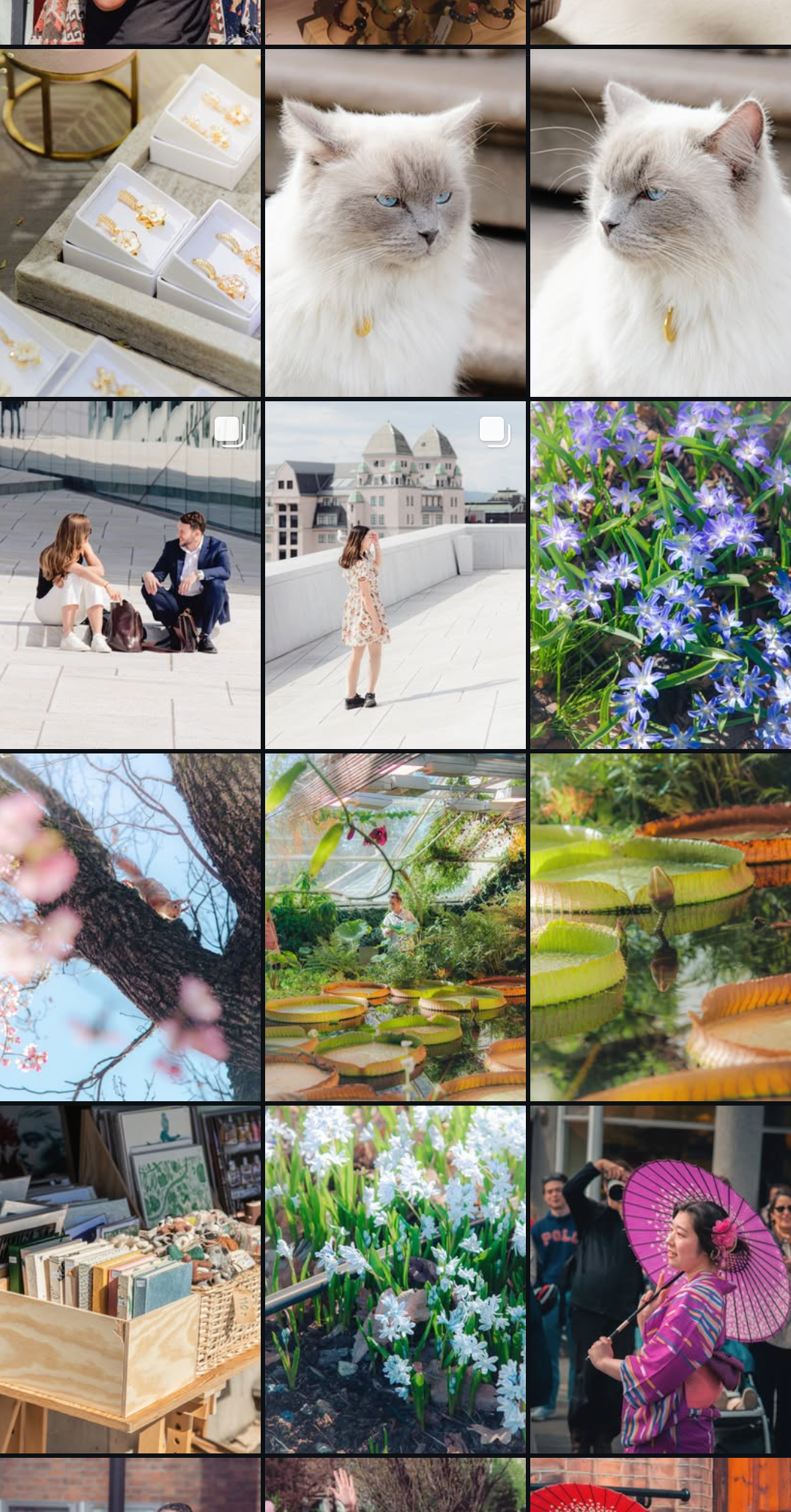
>>4520197It's true, darktable is weak on colors. I think the washed-out look comes from the RAW file TOO MUCH dynamic range blacks and whites, even after tone-mapping from filmic rgb, sigmoid, or AgX. I really recommend AgX since it condenses ACCURATE colors. I didn't even know I had so much salmon when I was using filmic rgb last year. shudder
You really want to start with a strong baseline. Double-check your color calibration module, adjust as needed. Go to exposure and auto-set exposure (resize or reposition the box on your subject or scene if needed). Go to AgX and auto-set with "auto tune levels" (the camera icon) and the next two eyedropper settings. Do NOT touch the other sliders yet.
Scroll down to the "look" panel and start playing with the "slope", "lift", and "brightness" sliders. (I typically don't touch "saturation" or "preserve hue" sliders.) To my eye, "slope" sets the midtones, highlights, and speculars (necessarily washing out some colors) whereas "lift" sets your blacks, shadows, and midtones. Negative lift DEEPENS colors. I'm not fully sure what "brightness" does but it can either recover compressed midtones depending on positive/negative values and how the image is skewed from your slope/lift settings. I personally like a slightly punchier look.
For very difficult scenes, you may have to keep playing with slope/lift/brightness, use tone equalizer (auto masking works perfectly), and/or reduce the contrast slider. ONLY when you've exhausted the "look" panel and tone equalizer should you mess with the "input exposure range" or "basic curve parameters" because shit goes crazy quick (just like filmic rgb lmfao).
If done right, AgX should get you ~80% of the color density, and color balance rgb gets you the last ~20%. color balance rgb is VERY weird and not intuitive either but I can send some global presets in the next post. I want to play with the 4-ways color panel soon, which looks even more powerful.