

Quoted By: >>4501053
Ideally aggressive flash photography.
Quoted By:
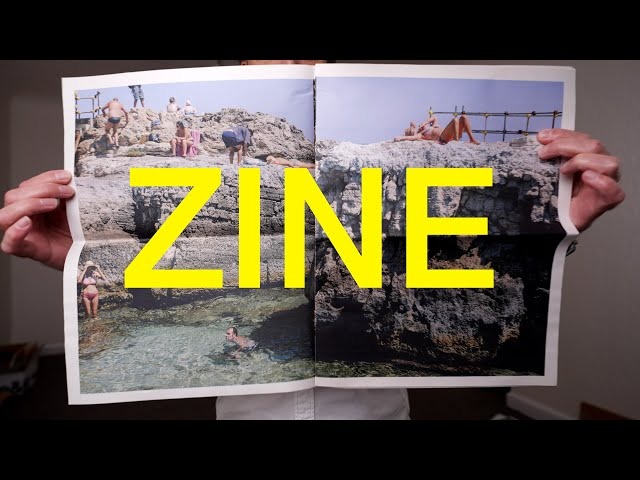
How does /p/ feel about zines?
They seem fun. You print your stuff, distribute it however you want, and people look at it. They might toss it in the trash but at least you made an impression.
You can make them for pretty cheap. I made some lo-fi DIY-style ones with my visual art at home using just an inkjet printer, and I've been dropping them in random places for people to find.
Anyone ever make zines?
They seem fun. You print your stuff, distribute it however you want, and people look at it. They might toss it in the trash but at least you made an impression.
You can make them for pretty cheap. I made some lo-fi DIY-style ones with my visual art at home using just an inkjet printer, and I've been dropping them in random places for people to find.
Anyone ever make zines?

3MiB, 1152x576, modern smartphone camera vs full frame mirrorless camera.webm
Quoted By:

New Ken Rockwell just dropped! Time to dial those saturation sliders to 11, baby
https://www.kenrockwell.com/trips/2026-02-route-66/index.htm
https://www.kenrockwell.com/trips/2026-02-route-66/index.htm

Quoted By:

Quoted By:
Kodak Moment Edition
Please post film photos, talk about film photography, film gear like cameras, film stocks, news, and tips/tricks in this thread.
Also talk about darkroom practices, enlargers, photo paper, techniques like dodging/burning, tools, and equipment related to enlarging, developing, and printing.
Thread Question: What is the oldest camera or lens that you shot with? Would you use it on a daily basis?
Previous thread: >>4497863
Please post film photos, talk about film photography, film gear like cameras, film stocks, news, and tips/tricks in this thread.
Also talk about darkroom practices, enlargers, photo paper, techniques like dodging/burning, tools, and equipment related to enlarging, developing, and printing.
Thread Question: What is the oldest camera or lens that you shot with? Would you use it on a daily basis?
Previous thread: >>4497863

Quoted By:
>ctrl f: sqt
>none
I'm going to start this one off with a stupider question than usual.
Say you were asked to shoot a few wedding shots at the last minute and all you've shot before was rocks, leaves, birds and the odd landscape or building corner... what do? Asking for a friend of course but pls reply quick.
>none
I'm going to start this one off with a stupider question than usual.
Say you were asked to shoot a few wedding shots at the last minute and all you've shot before was rocks, leaves, birds and the odd landscape or building corner... what do? Asking for a friend of course but pls reply quick.
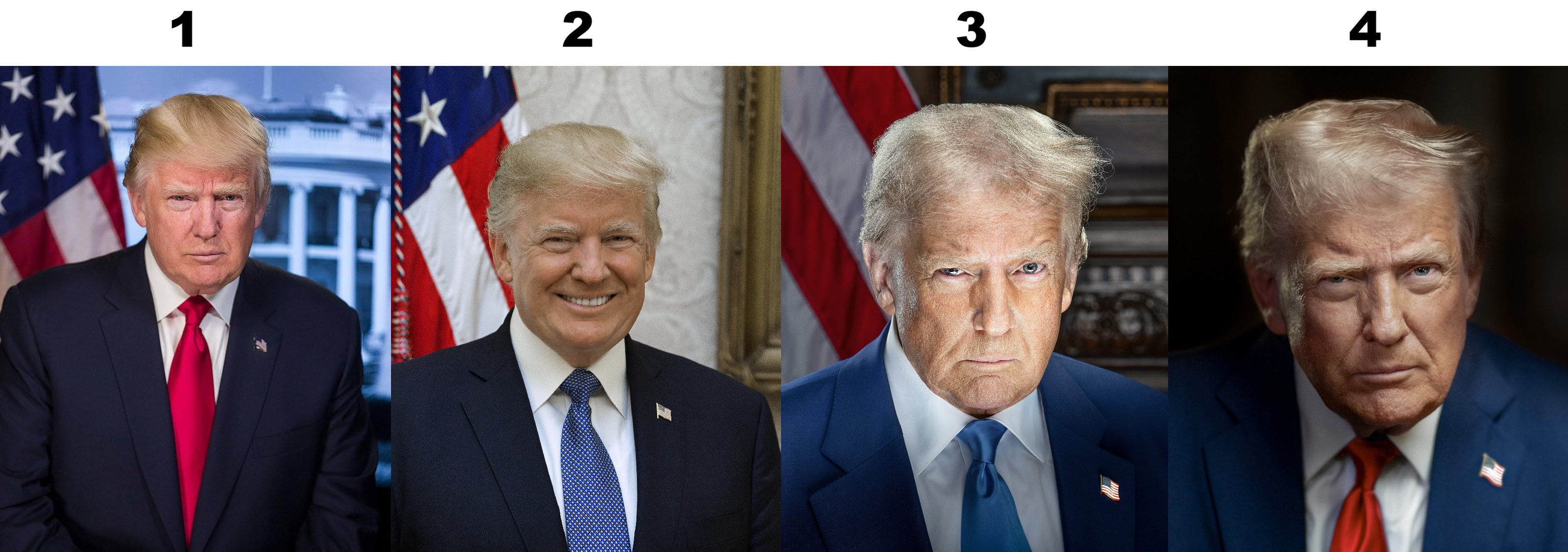
Rank the Trump Portraits

Quoted By: >>4501043
Since I'm unlikely to ever get any kind of Xpan camera, I thought it might be interesting to post some wide crops from two cheap digicams and a phone (Fuijfilm J20, JX500 and Nokia Lumia 520) taken over the last few years. The JX500 has a scratched lens but nice colours and I think it does OK.
Some of these I've posted before, some I haven't.
Some of these I've posted before, some I haven't.
